I wanted to have a way to sync my website's now page with my scribbles from the desktop. I read online about these digital garden type websites are using obsidian with the git plugin, which seemed exactly the solution I needed.
Here's how to do it:
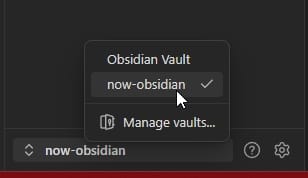
Get Obsidian, and make a vault at your desired location, then select this vault in the interface, you'll need to restart obsidian.
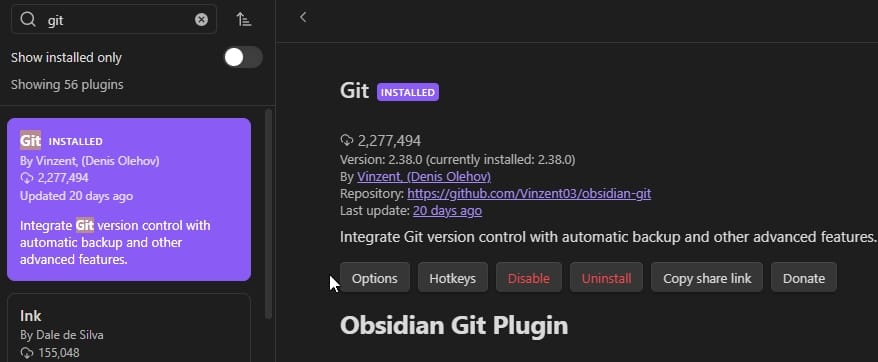
After restarting, go to settings, community plugins, and search for git, install it, enable, another restart.
Create your desired file that you wish to represent online, in my case its "now". Add a readme for the repo, if you so wish, and create your repo in github. Add a .gitignore for the ".obsidian/" folder.
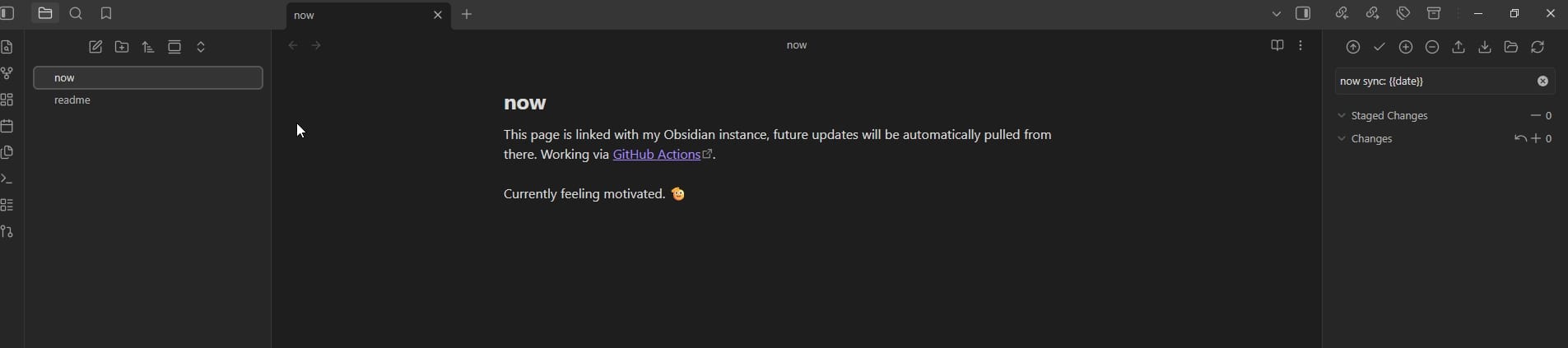
General settings for automatic sync, but can also be used manually:
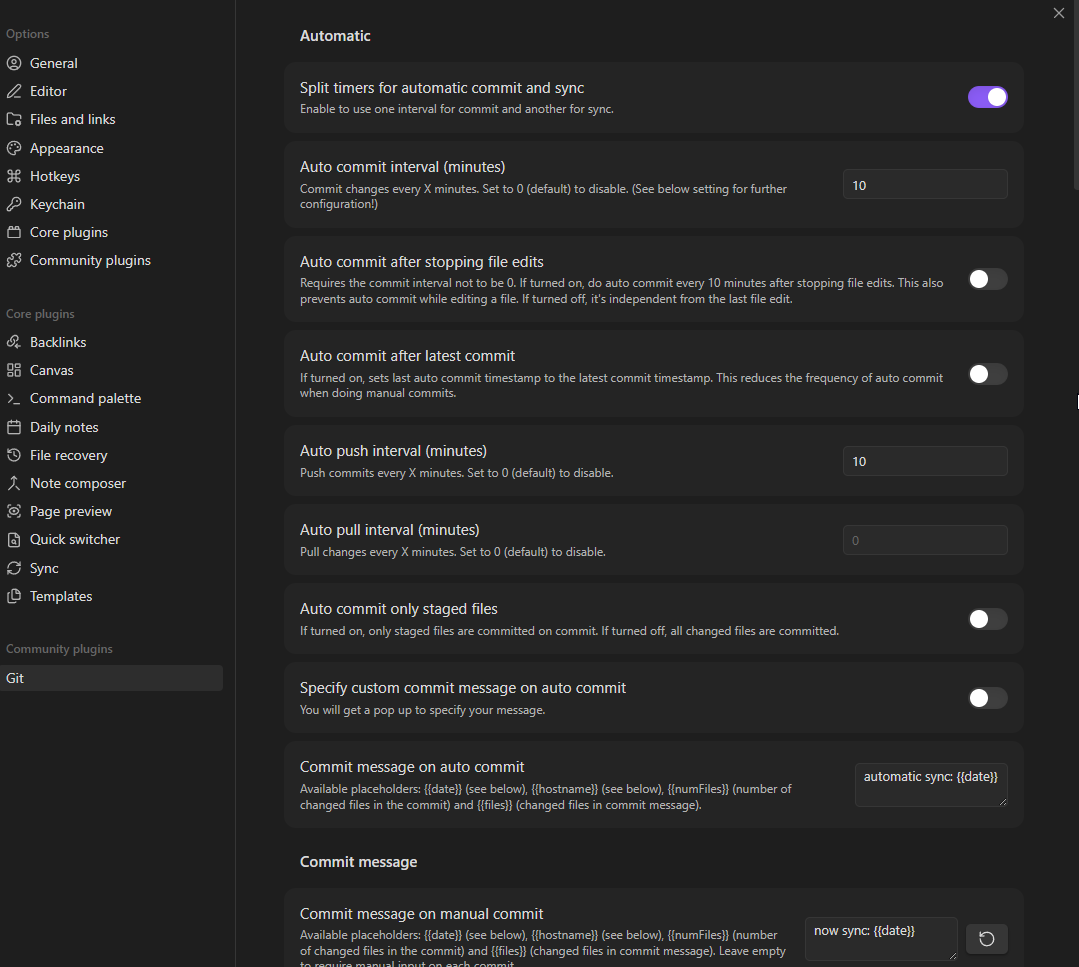
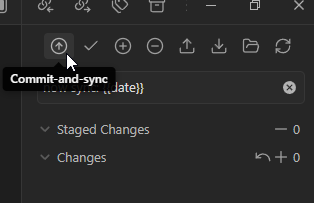
Make your commit and push, then let's make the GitHub Actions yaml. For Ghost V5 you need to use Lexical instead of Mobiledoc, took me a second to catch this when the page was just updating to be empty 😅, quick difference here:
run: |
  npm install @tryghost/admin-api
  node -e "
  const GhostAdminAPI = require('@tryghost/admin-api');
  const fs = require('fs');
  const api = new GhostAdminAPI({
    url: process.env.GHOST_URL,
    key: process.env.GHOST_ADMIN_KEY,
    version: 'v5.0'
  });
  const md = fs.readFileSync('now.md', 'utf8');
  api.pages.read({id: process.env.PAGE_ID})
    .then(page => api.pages.edit({
      id: page.id,
      updated_at: page.updated_at,
      mobiledoc: JSON.stringify({
        version: '0.3.1',
        markups: [],
        atoms: [],
        cards: [['markdown', {markdown: md}]],
        sections: [[10, 0]]
      })
    }))
    .then(() => console.log('Updated'))
    .catch(e => { console.error(e); process.exit(1); });
"run: |
npm install @tryghost/admin-api
node -e "
const GhostAdminAPI = require('@tryghost/admin-api');
const fs = require('fs');
const api = new GhostAdminAPI({
url: process.env.GHOST_URL,
key: process.env.GHOST_ADMIN_KEY,
version: 'v5.0'
});
const md = fs.readFileSync('now.md', 'utf8');
const lexical = JSON.stringify({
root: {
children: [{
type: 'markdown',
version: 1,
markdown: md
}],
direction: null,
format: '',
indent: 0,
type: 'root',
version: 1
}
});
api.pages.read({id: process.env.PAGE_ID})
.then(page => api.pages.edit({
id: page.id,
updated_at: page.updated_at,
lexical: lexical
}))
.then(() => console.log('Updated'))
.catch(e => { console.error(e); process.exit(1); });
"Create your GitHub actions secrets: repo settings -> Secrets and variables -> Actions. We need three:
GHOST_ADMIN_KEY = Create this in Ghost admin interface -> Integrations -> Custom -> Grab the key
GHOST_URL = Your website URL
DESIREDPAGE_PAGE_ID = "desiredpage" is the page on which you want the sync to reflect, the ID is in the URL, 24 characters
Try it out! 😉